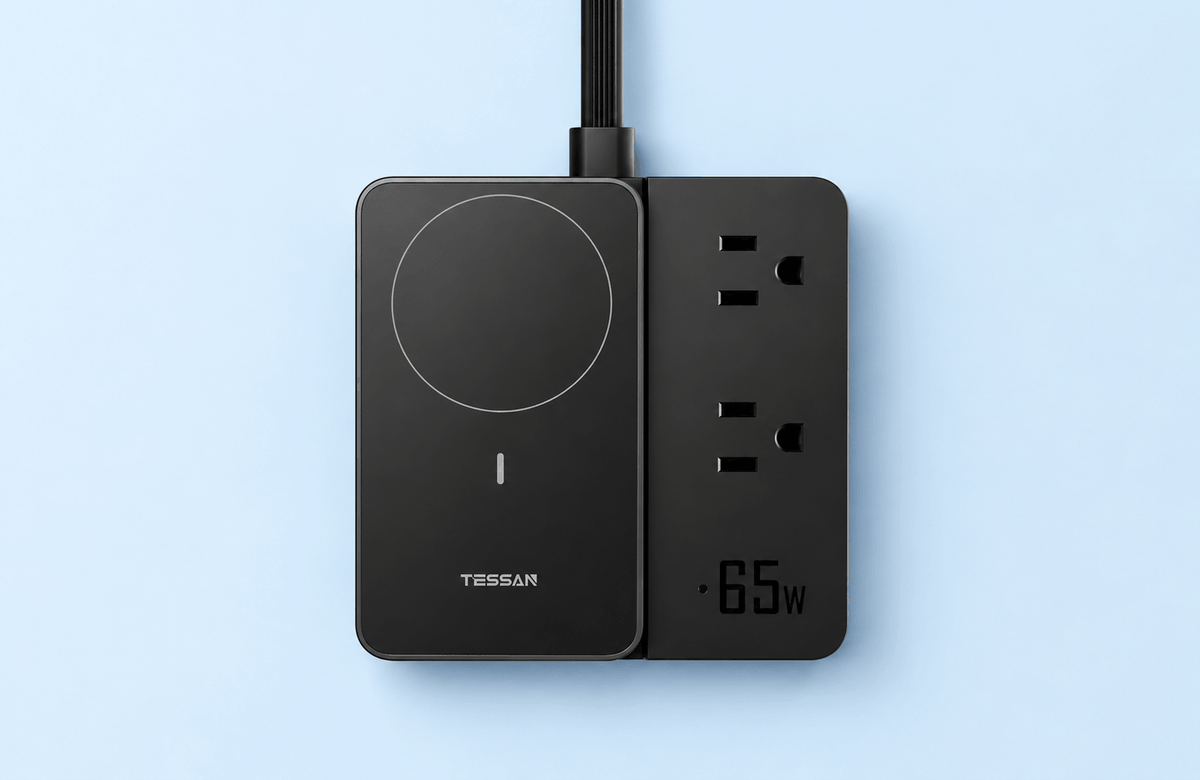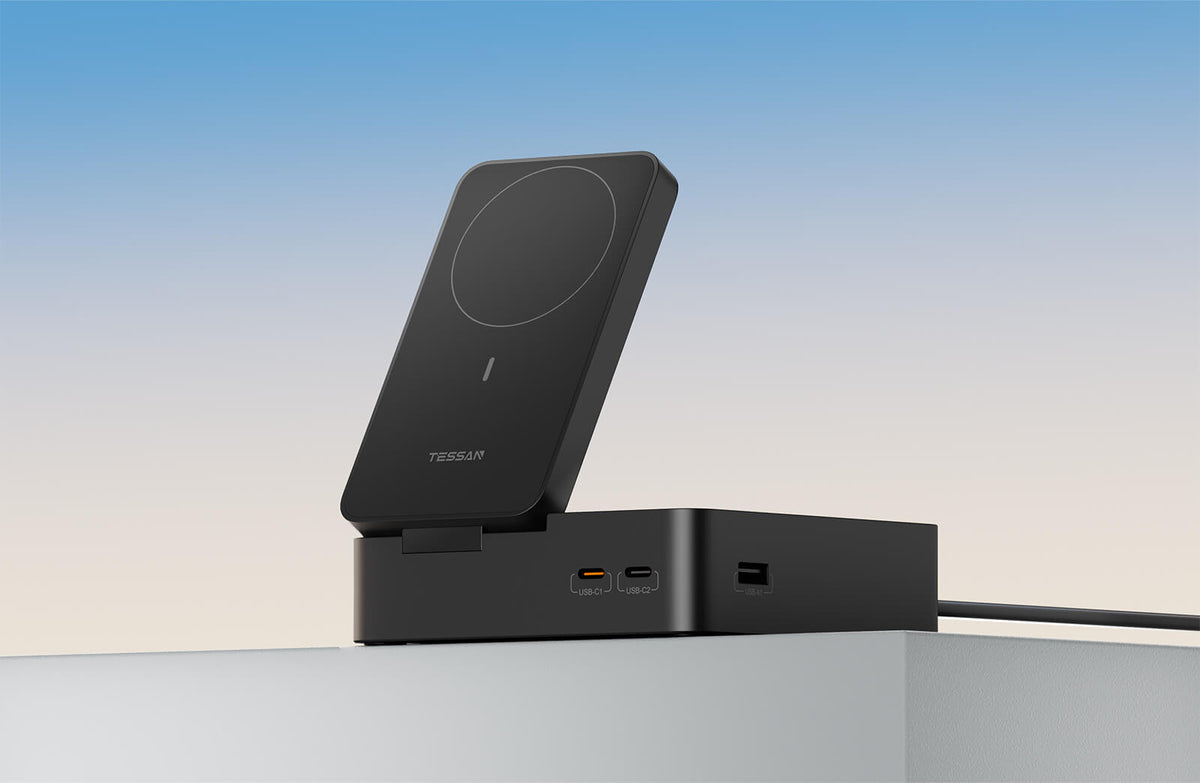

If you've been comparing desk charging stations, you've probably noticed every listing leads with one number: 65W, 67W, 100W. Big, bold, and — more often than not — not the whole story.
We touched on this in our guide to fixing desk clutter: plugging in a laptop, a phone, and a watch at the same time doesn't mean all three get full power simultaneously. That's not a flaw. It's just physics, and it's true of almost every multi-port charger on the market. The difference is whether a brand tells you that upfront, or lets you find out on your own.
This is us telling you upfront.
Why "65W" is the most misleading number on the box
The 65W figure describes the maximum a single port can deliver, under ideal conditions, to one device. It's accurate. It's also almost never what's happening on your actual desk, where a laptop, a phone, and a watch are usually plugged in at once.
Here's the industry habit worth knowing: most brands print the ceiling number in size 40 font and bury the shared-power behavior in a spec sheet nobody reads before buying. That's not dishonest, exactly — but it leaves you to do the math yourself, usually after the station is already on your desk.
We'd rather just show you the math first.
How the power is actually shared
Here's the real allocation on a TESSAN Magic charging station, broken down by port and by how many things you're charging at once.
| Use case | Magic 30 | Magic 65 | The rule |
|---|---|---|---|
| Single USB-C, nothing else plugged in | 30W max | 65W max | Full power, single-port only |
| Multiple USB ports in use at once | 15W shared max | 30W + 20W + 15W max | Power is split across active ports, not duplicated |
| Phone (magnetic wireless) | 5 / 7.5 / 10 / 15W max | 5 / 7.5 / 10 / 15W max | Capped by the phone's own charging protocol, not the station |
| Watch (detachable charger) | 2.5 / 5W max | 2.5 / 5W max | Fixed low-power charging, by design |
The pattern to notice: the headline number (30W or 65W) only ever applies to one port doing one job. The moment you add a second device, the station starts dividing what it has — which is exactly what it's supposed to do.
What actually happens when you plug in a laptop, a phone, and a watch together
Say you sit down and connect all three at once on Magic 65.
Your laptop, on its dedicated port, still gets up to 65W — that port isn't shared with anything else, so it keeps its full allocation. Your phone, on the magnetic wireless pad, charges at whatever speed your phone's own charging protocol allows — typically well under 20W regardless of what the station can technically output, because the ceiling there is set by the phone, not the charger. Your watch draws a small, steady 2.5–5W, which is really all a watch battery needs.
Nothing here is competing for the same pool of power. The laptop has its own dedicated line; the phone and watch are capped by their own protocols long before they'd ever bump into a shared limit. Where sharing actually matters is if you're also running multiple USB-A/USB-C ports at once for other devices — that's the scenario where the 15W-or-30W+20W+15W shared ceiling in the table above comes into play, and it's worth checking before you assume every port on any multi-port charger runs at its printed maximum, all at the same time, all day.
How to tell if a charging station is telling you the truth
You don't need to be an electrical engineer to spot the difference between a brand being straight with you and a brand hoping you won't ask. Three things to check before you buy:
- Does the listing show power per use case, not just one big number? A single "65W" claim with no breakdown is a red flag, not a feature.
- Are the certifications actually named, not just implied? "Certified" without saying certified to what, by whom, is marketing language, not documentation.
- Does the language avoid promising things it can't guarantee? Watch for phrases like "full speed on all ports" or "charges everything instantly" — physics doesn't really allow either, so specificity is usually more trustworthy than enthusiasm.
None of this means the other options on the market are bad. It just means the wattage number alone was never going to tell you enough.
How TESSAN Magic 65 handles this
We built the table above directly into how we describe Magic 65 — not as fine print, but as the actual explanation. Our approach has been to publish the per-port, per-use-case numbers rather than lead with a single maximum and let you assume the rest. If a use case has a real limit — shared ports, protocol-capped wireless charging, a deliberately gentle watch charge — we'd rather say so upfront than round up.
That's also why the laptop port on Magic 65 is dedicated rather than shared: the one device most people actually need full, uninterrupted power for gets a line of its own.
Before you buy: warranty and long-term use
A wattage table answers what happens on day one. Warranty coverage and real-world reviews answer what happens on day two hundred. Every TESSAN Magic station ships with certification documentation and standard warranty coverage listed on its product page — worth a look before you buy, and worth checking against actual owner reviews once you're weighing this against anything else on your desk.
Browse more about TESSAN MAGIC 65