
TL;DR: Outlet extenders don't create power—they redistribute it. Key safety rules: (1) Never daisy-chain extenders, (2) Keep total load under 80% of circuit capacity (1440W for standard 15A circuits), (3) Avoid high-wattage appliances like space heaters, (4) Check for UL/ETL certification. USB-C PD ports (18-100W) are more efficient than traditional USB-A (5-12W).
Most of the residential electrical systems weren't designed for 2025. The average North American home built before 2010 contains 8–12 outlets per room, installed when "power-hungry devices" meant a television and a vacuum cleaner. Today's reality: a single nightstand supports a phone (18W USB-C PD), smartwatch (5W), tablet (30W), e-reader (10W), and lamp (8W LED)—five devices competing for one duplex outlet.
The Load Capacity Misconception
The myth: Adding an extender gives you "more power."
The reality: Extenders redistribute access to the same 15A circuit. A standard residential outlet supplies 1800W maximum (120V × 15A). Plugging in a 6-outlet extender doesn't increase this capacity—it divides it across more connection points.
Practical example:
- Wall outlet: 1800W available
- Connected devices via extender:
- Laptop charger: 65W
- Monitor: 40W
- Desk lamp (LED): 12W
- Phone charger: 18W
- Router: 15W
- Total: 150W (8% of circuit capacity)
This configuration is safe. But add a space heater (1500W) and you're at 1650W—92% capacity, risking breaker trips.
Why USB Integration Matters (Beyond Convenience)

TESSAN extenders with built-in USB ports aren't just about eliminating wall adapters. They solve a technical problem: phantom load from inefficient AC-to-DC conversion.
Traditional charging workflow:
- Wall AC (120V) → USB adapter → DC conversion (5V/9V/20V)
- Each adapter has 10–20% conversion loss as heat
- Multiple adapters = cumulative inefficiency
Integrated USB approach:
- Single AC-to-DC converter handles multiple USB ports
- Shared transformer reduces redundant conversion stages
- Power Delivery (PD) 3.0 chips negotiate optimal voltage (5V/9V/12V/15V/20V) per device
- Result: 5–8% efficiency gain across all USB-connected devices
Technical detail most manufacturers omit: USB-C PD ports in quality extenders use synchronous rectification rather than traditional diode-based conversion, reducing heat generation by 30–40% compared to cheap wall adapters.
When Extenders Are the Wrong Solution
Scenario 1: High-Wattage Appliances
Never plug these into extenders:
- Space heaters (1200–1500W)
- Hair dryers (1500–1875W)
- Microwaves (1000–1500W)
- Window AC units (1000–1400W)
Why: These devices draw sustained high current. The additional connection point (extender plug → extender internal wiring → device) introduces resistance. At 12A continuous draw, even 0.1Ω resistance generates 14.4W of heat—enough to degrade plastic housings over months.
Scenario 2: Daisy-Chaining (The Hidden Danger)
Plugging an extender into another extender is prohibited by electrical codes, even if total wattage seems safe.
The problem isn't just cumulative load—it's contact resistance multiplication:
- Wall outlet contact resistance: ~0.02Ω
- First extender adds: ~0.05Ω
- Second extender adds: ~0.05Ω
- Total: 0.12Ω
At 10A draw: Power loss = I²R = 10² × 0.12 = 12W dissipated as heat at connection points. This heat concentrates at plug blades, accelerating oxidation and creating fire risk.
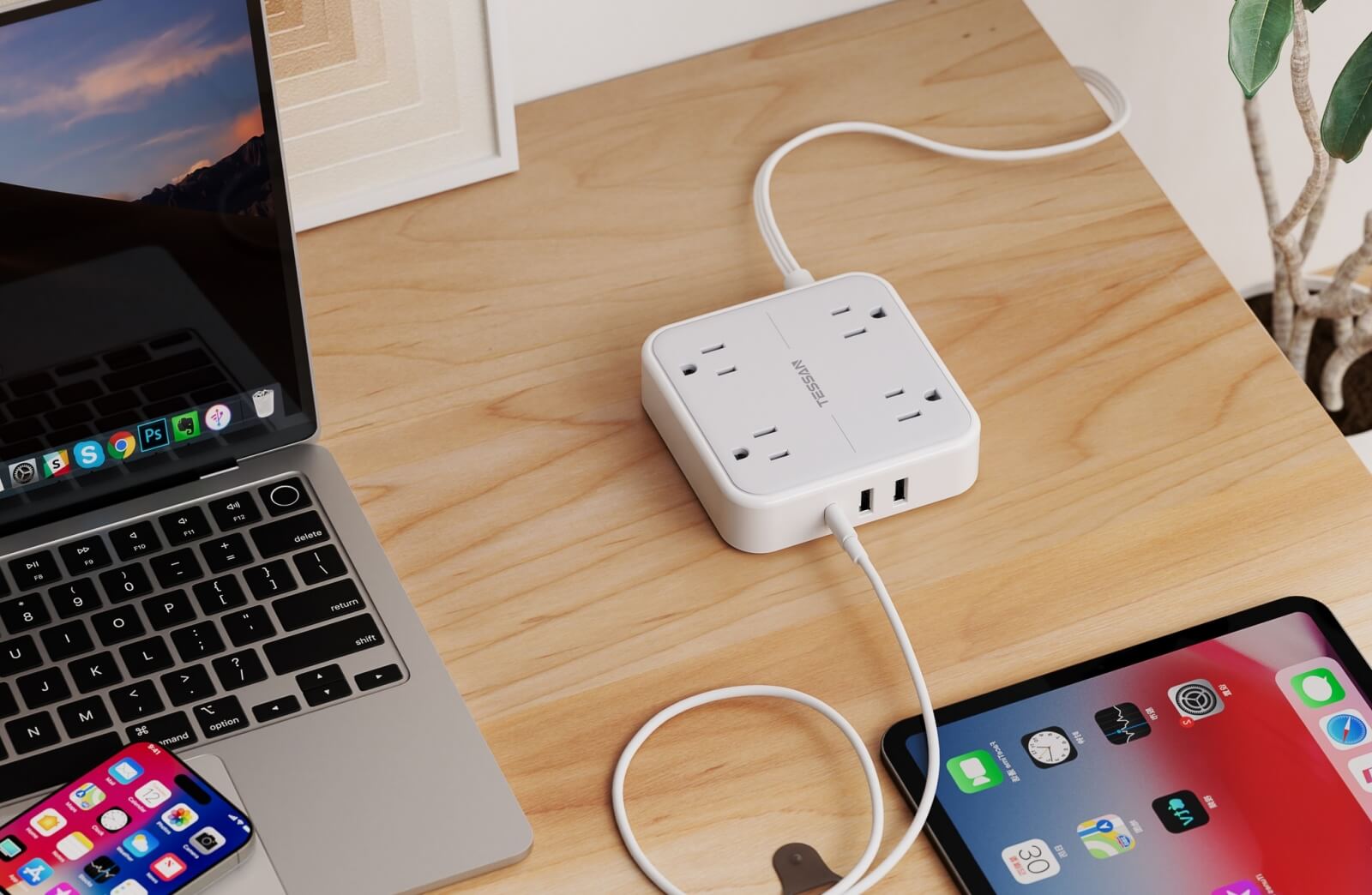
*The TESSAN FW01 Outlet Extender With USB Ports supports up to 1875W of connected appliances

TESSAN 30W Fast Charging Outlet Extender
- 30W USB C Fast Charger
- 3 AC outlets and 4 USB ports
- Surge Protector - 1875W Max
- 3-side Compact Design
Extender vs. Power Strip: The Decision Matrix
| Use Extender When: | Use Power Strip When: |
|---|---|
| Permanent installation needed | Temporary/portable setup |
| Low-to-moderate wattage devices (<800W total) | Mixed wattage including occasional high-draw items |
| Wall-mounting desired | Floor/desk placement acceptable |
| USB charging is priority | Only AC outlets needed |
| Outlet access is problem, not circuit capacity | Need surge protection (extenders rarely include MOVs) |
Key distinction: Power strips with 6ft+ cords allow you to tap into different circuits if needed. Wall extenders lock you into one circuit's 15A limit.
The Certification Reality Check
What ETL/UL listing actually tests:
- Dielectric strength (can insulation withstand 1000V for 1 minute?)
- Temperature rise under rated load (must stay below 30°C ambient rise)
- Plug retention force (minimum 5 lbs pull force)
- Flammability (UL94 V-0 rating for plastics)
What it doesn't guarantee:
- Long-term reliability beyond 1000 insertion cycles
- Performance with worn/oxidized wall outlets
- Compatibility with GFCI outlets (some extenders cause nuisance tripping)
TESSAN products meet these standards, but users should understand that certification is a baseline, not a performance ceiling.
Real-World Failure Modes (And How to Avoid Them)

1. Thermal Creep in Blade Contacts
After 2–3 years of continuous use supporting 8–10A loads, plug blades can develop micro-gaps due to thermal expansion/contraction cycles. This increases contact resistance, creating a feedback loop: more resistance → more heat → more expansion → worse contact.
Prevention: Annually unplug extenders and inspect blade condition. Discoloration or pitting indicates replacement needed.
2. Neutral Wire Overload
Modern electronics use switching power supplies that generate harmonic currents. These harmonics don't cancel on the neutral wire like traditional loads—they add arithmetically.
Practical impact: Six devices drawing 2A each might create 15A of neutral current instead of the expected 12A, potentially overheating neutral connections.
3. GFCI Nuisance Tripping
Some extenders with USB ports cause GFCI outlets to trip despite no actual ground fault. The culprit: capacitive leakage current in AC-to-DC converters.
Technical explanation: USB circuitry uses Y-capacitors (typically 2.2nF–4.7nF) between AC lines and ground for EMI filtering. These capacitors allow 1–3mA of leakage current to flow to ground—completely safe for users, but enough to trigger sensitive GFCIs (trip threshold: 4–6mA).
Solution: Look for extenders explicitly rated "GFCI compatible" or use on standard outlets only.

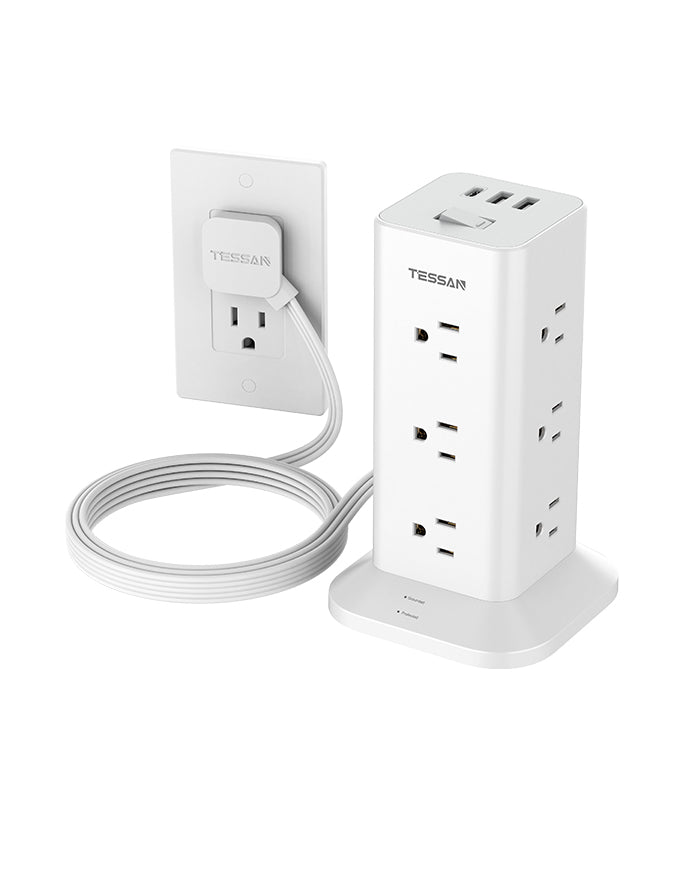
TESSAN Outlet Extender Surge Protector 1020
- 4 AC Outlets, 2 USB A + 1 USB C
- Wide-space Fit for both GFCI
- 1875W Max
- 900 Joules Surge Protector
Load Calculation: A Practical Workshop
Most users don't know their actual power consumption. Here's how to calculate whether an extender suits your needs:
Step 1: Identify device wattages
- Check device labels or power adapters for "W" or "VA" ratings
- If only voltage/amperage listed: Watts = Volts × Amps
- Example: "Input: 19V 3.42A" = 65W
Step 2: Add continuous loads
Bedroom nightstand scenario:
- Laptop charger: 65W
- Phone (USB-C PD): 18W
- Smartwatch: 5W
- White noise machine: 8W
- LED reading lamp: 12W
- Total: 108W (6% of 1800W circuit capacity)
Step 3: Apply safety factor
Electrical code requires 80% maximum continuous load:
- 1800W × 0.8 = 1440W safe continuous limit
- Your 108W load = 7.5% of safe limit ✓
Step 4: Check for intermittent high-draw devices
If you occasionally plug in a hair dryer (1500W) while other devices are connected:
- 108W + 1500W = 1608W (89% of circuit capacity)
- This exceeds the 80% continuous rule but is acceptable for <3 minute intermittent use
Why North American Homes Need Extenders More Than European Ones
Historical context:
The 15A/120V standard was established in the 1920s when:
- Average household had 6 electrical devices
- Total consumption: ~500W
- Two outlets per room was considered generous
Today's reality:
- Average bedroom: 12+ devices needing power
- Kitchen countertop: 8+ appliances
- Home office: 15+ items
European advantage:
Schuko outlets (Type F) provide:
- 16A capacity at 230V = 3680W per outlet (vs. 1800W North American)
- Building codes require minimum 1 outlet per 4m² (vs. US 1 per 12ft wall)
- Result: Higher power density and outlet availability reduces extender demand
North American infrastructure wasn't designed for device density we now consider normal—extenders are a retrofit solution to century-old standards.
Advanced Application: Smart Load Management
The problem with "dumb" extenders: All outlets are always live, wasting standby power.
Emerging solution: Extenders with master/controlled outlets:
- Master outlet detects primary device (computer, TV)
- When master device enters standby (<10W), controlled outlets cut power
- Eliminates phantom load from peripherals (monitors, speakers, printers)
Real savings example:
- Home office with 5 peripherals drawing 8W standby each = 40W × 24hr = 960Wh/day
- Annual waste: 350kWh = 52 (at 0.15/kWh)
- Smart extender payback period: 6–8 months

TESSAN US to UK Travel Plug Adapter Type G
- Type G UK Plug Adapter
- Foldable plug design
- USB C Port Charges Up to 20W
- 4-side Compact Design
Installation Best Practices (That Codes Don't Mandate)
1. Vertical orientation preferred
When possible, install extenders with outlets facing downward. Gravity prevents dust accumulation in unused sockets, reducing arc tracking risk.
2. Thermal clearance
Leave 2" minimum clearance around extender body. Enclosed installations (behind furniture, inside cabinets) trap heat and accelerate component degradation.
3. Outlet condition matters
Before installing an extender, test the wall outlet:
- Plug should insert with moderate resistance (not loose)
- No discoloration around outlet face
- Outlet should be cool to touch after 30min of moderate load (>5A)
If outlet fails these checks: Replace the receptacle before adding an extender. A worn outlet's increased contact resistance will be amplified when supporting multiple devices through an extender.
4. Polarity verification
Use a $5 outlet tester to verify correct wiring:
- Correct: Hot (black), Neutral (white), Ground (green/bare)
- Reversed polarity creates shock hazards with metal-cased devices
- Open ground eliminates surge protection effectiveness
5. Torque matters for screw terminals
If installing extenders with mounting screws into outlet cover plate holes:
- Use 6–8 inch-pounds torque maximum
- Over-tightening cracks plastic housings and warps internal bus bars
- Under-tightening allows vibration-induced loosening
The USB-C PD Revolution in Outlet Extenders
Why USB-C PD changes the game:
Traditional USB-A ports deliver fixed 5V at 1–2.4A (5–12W). USB-C Power Delivery negotiates voltage/current in real-time:
| Device Type | PD Profile | Charging Speed |
|---|---|---|
| Smartphone | 9V/2A | 18W (0–50% in 30min) |
| Tablet | 12V/3A | 36W (0–80% in 90min) |
| Laptop (13") | 20V/3A | 60W (full-speed operation) |
| Laptop (15") | 20V/4.5A | 90W (full-speed + charging) |
Efficiency advantage: PD's voltage negotiation reduces conversion losses. Charging a laptop at 20V instead of 5V means:
- Lower current through cables (I = P/V)
- Reduced resistive losses (P_loss = I²R)
- Less heat in connectors

TESSAN Wall Surge Protector Plug Extender WM1026
- 11 in 1 Power Outlet(1875W Max)
- 1 USB C (15W Max) + 2 USB A (12W Max)
- Surge Protector and Switch
- 3-sided Wide Socket Spacing
Maintenance Schedule (What Manufacturers Won't Tell You)

Monthly:
- Visual inspection for discoloration, cracks, or deformation
- Verify plug blades aren't loose in wall outlet
Quarterly:
- Unplug and clean contacts with electronics contact cleaner
- Check that USB ports grip cables firmly (worn ports indicate replacement needed)
Annually:
- Measure temperature under typical load (infrared thermometer)
- Should not exceed 40°C above ambient
- If >50°C rise detected, replace immediately
Replacement triggers:
- Any burning smell (indicates arcing or overheated components)
- Discoloration around plug blades
- Loose fit in wall outlet
- Cracked housing
- USB ports that no longer charge devices reliably
Expected lifespan: Quality extenders like TESSAN should provide 5–7 years of daily use at 50–60% rated capacity. Continuous operation at 80%+ capacity reduces lifespan to 3–4 years.
Engineering-Informed Selection
Quality outlet extenders solve legitimate infrastructure gaps when used within design parameters:

✓ Do: Use for low-wattage electronics clusters (entertainment centers, desks, nightstands)
✓ Do: Leverage integrated USB to reduce adapter clutter and improve efficiency
✓ Do: Verify total load stays under 80% of rated capacity (12A for 15A circuits)
✓ Do: Inspect annually for heat damage or contact degradation
✗ Don't: Daisy-chain extenders
✗ Don't: Use for sustained high-wattage appliances (heaters, hair dryers, microwaves)
✗ Don't: Assume certification equals unlimited reliability
✗ Don't: Ignore circuit-level capacity when adding outlets
The fundamental principle: The extender doesn't create power—it redistributes access to a fixed resource. Understanding the electrical reality behind the convenience prevents both nuisance failures and genuine hazards.
When selected appropriately and maintained properly, modern outlet extenders like TESSAN's represent sound engineering solutions to the mismatch between century-old electrical infrastructure and contemporary device ecosystems.