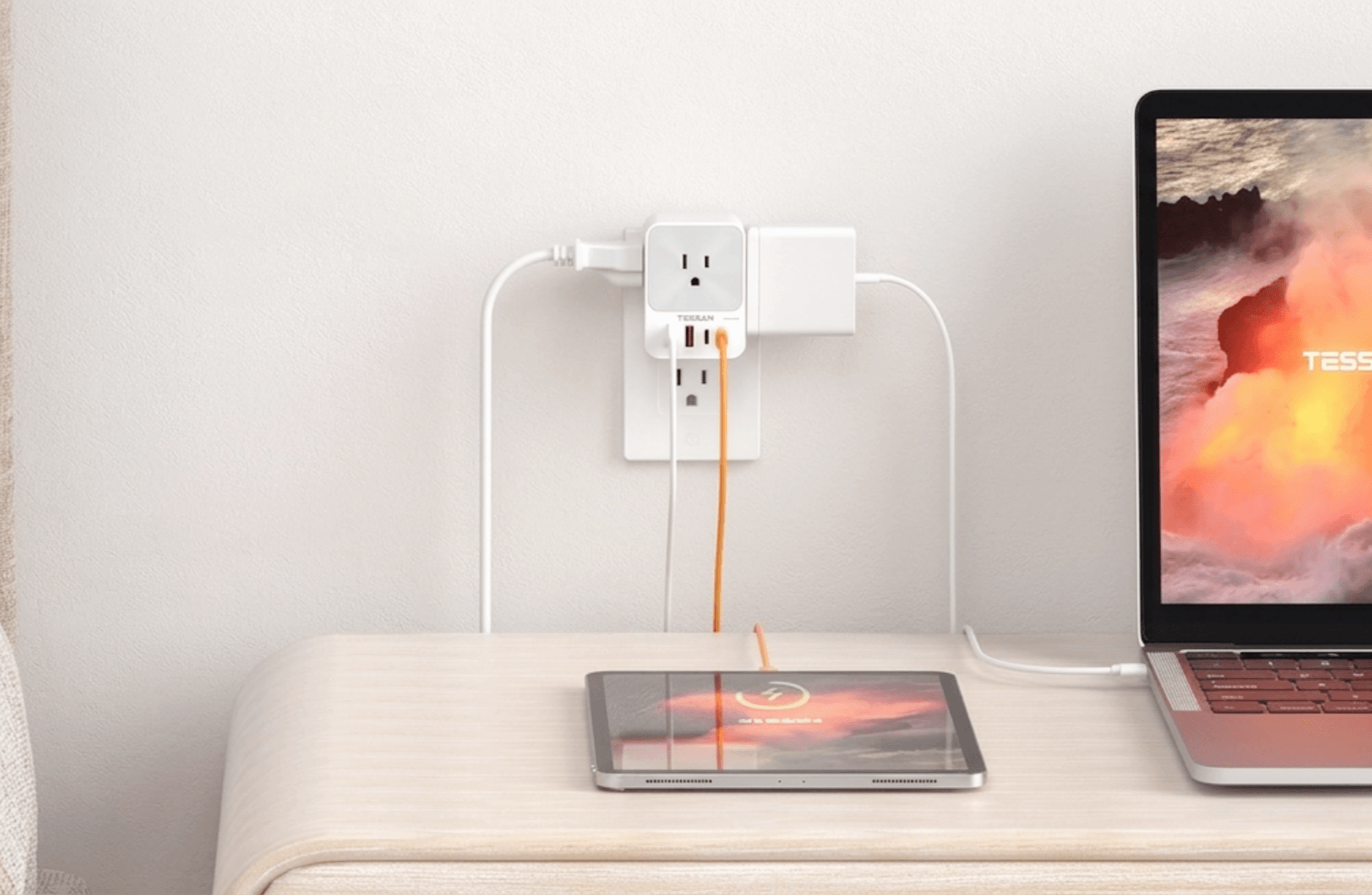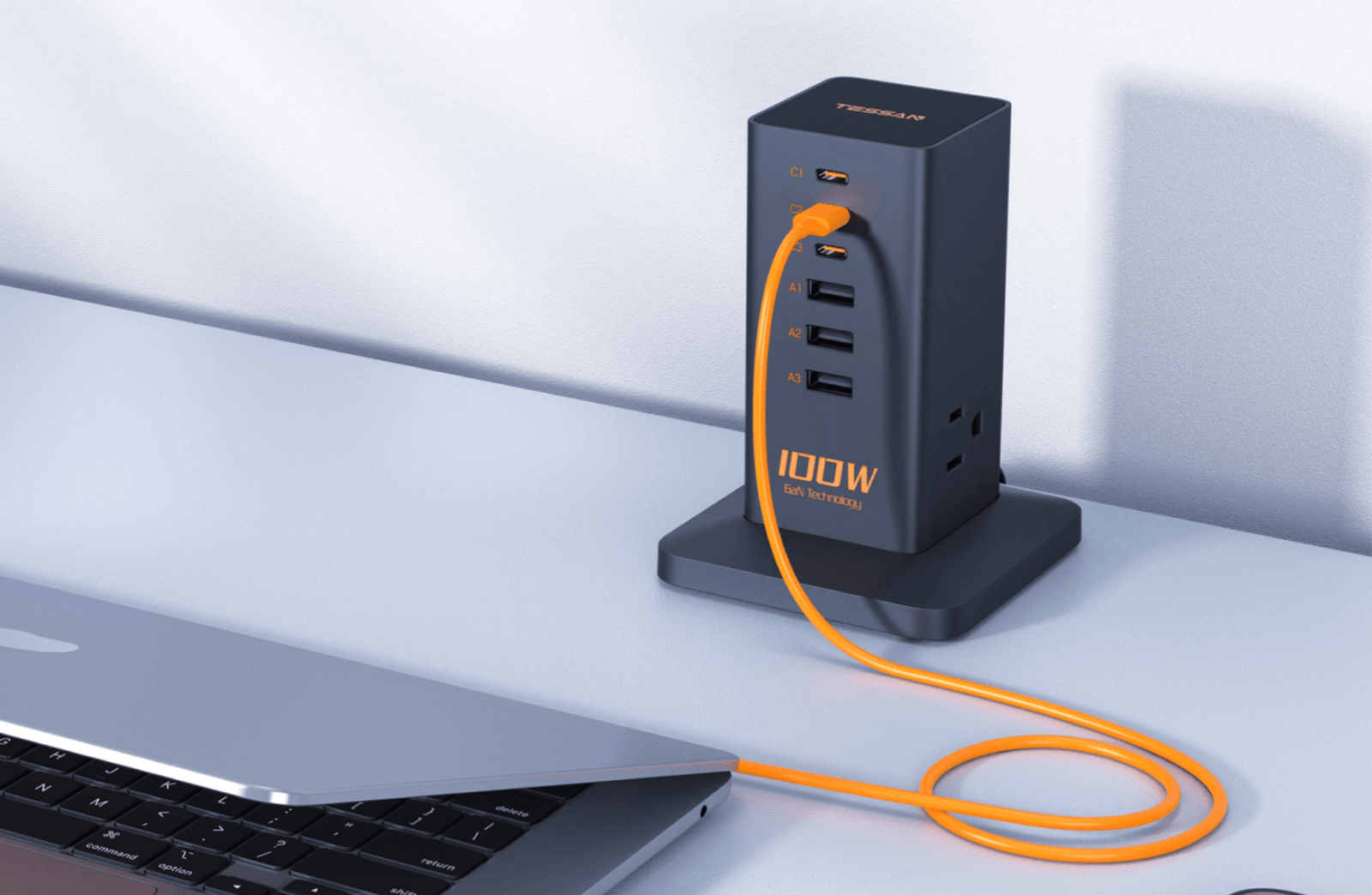

TL;DR: A power strip just multiplies outlets—it won't protect your electronics. A surge protector adds MOV components that clamp voltage spikes. For any device worth over $100 (computers, TVs, gaming consoles), always choose a surge protector with 2,000+ joules and ≤400V clamping voltage.
Most people discover the difference between power strips and surge protectors the hard way—after a lightning storm fries their $2,000 gaming PC. By then, it′ s too late to realize that the $8 power strip from the gas station offered zero protection.
This guide cuts through the marketing confusion to explain what actually matters, when you need protection versus simple outlet expansion, and how to avoid the costly mistakes that damage electronics and create fire hazards.
The Core Distinction: Protection vs. Expansion
| Feature | Basic Power Strip | Surge Protector |
|---|---|---|
| Primary function | Multiplies outlets | Multiplies outlets + absorbs voltage spikes |
| Internal components | Wiring, circuit breaker only | MOV varistors, thermal fuse, filtering circuits |
| Protects against surges | No | Yes (until MOV degrades) |
| Typical price | $5-15 | $20-80 |
| Lifespan | 10+ years | 3-5 years (degrades with each surge) |
| Best for | Low-value devices (lamps, fans) | Electronics with sensitive circuits |
The critical test: Flip the device over and look for a joule rating. No joule rating = no surge protection, regardless of what the front label claims.
When You Actually Need a Surge Protector
Not every device requires surge protection. Here's the honest breakdown:

Devices That NEED Surge Protection
- Computers and laptops: Power supplies contain sensitive voltage regulators that fail at 200-300V (normal surges reach 600-6,000V)
- TVs and monitors: Modern LED/OLED panels use DC power supplies vulnerable to voltage spikes
- Gaming consoles: PS5, Xbox, and Switch contain the same sensitive components as computers
- Networking equipment: Routers, modems, and NAS drives—especially if connected to coax/ethernet (separate entry points for surges)
- Audio equipment: Receivers, amplifiers, and studio monitors with digital processing
- Medical devices: CPAP machines, oxygen concentrators (pair with UPS for power continuity)
- Smart home hubs: Expensive to replace and often control hundreds of dollars in connected devices
Devices That DON'T Need Surge Protection
- Lamps with incandescent/LED bulbs: Simple resistive loads tolerate voltage fluctuations
- Box fans and space heaters: Motors and heating elements are surge-resistant
- Phone chargers alone: Built-in protection in modern USB adapters (but protect the phone itself)
- Kitchen appliances: Toasters, coffee makers, microwans—unless high-end with digital controls
- Power tools: Drills, saws, and shop equipment use robust induction motors
Money-saving insight: A basic $10 power strip for your bedroom nightstand (lamp+alarm clock) is perfectly adequate. Save the $40 surge protector for your home office.

TESSAN Flat Plug Surge Protector Power Strip 1026
- 5-25 Ft Flat Extension Cord
- 8 Outlets (1875W Max) and 3 USB Ports
- Multiple Safety Protection - 900J
- 4 Anti-slip Rubbers Bottom
The Three Specs That Actually Matter
Manufacturers bury the important specifications under marketing fluff. Focus on these three numbers:
1. Clamping Voltage (Most Important)
This is the voltage threshold where the MOV activates to redirect the surge. Lower is better.
| Clamping Voltage | Protection Level | Best For |
|---|---|---|
| 330V | Excellent | Computers, servers, high-end audio |
| 400V | Good | TVs, gaming consoles, home office |
| 500V | Adequate | Basic electronics, budget protection |
| 600V+ | Poor | Barely better than no protection |
Why it matters: Your computer's power supply is designed for 120V ±10% (108-132V). A surge protector that clamps at 600V still allows 5x the safe voltage through —enough to damage capacitors and voltage regulators. A 330V unit limits exposure to roughly 2.5x normal voltage, which most electronics can briefly tolerate.
Real-world example: During a nearby lightning strike, the grid experiences a 4,000V spike. A 600V protector clamps it to 600V (still damaging). A 330V protector clamps it to 330V (your equipment survives).
2. Joule Rating (Lifespan Indicator)
Joules measure total energy absorption before the MOV fails. Think of it as a battery that depletes with each surge.
| Joule Rating | Expected Lifespan | Recommended Use |
|---|---|---|
| 600-1,000J | 1-2 years | Bedroom, single device |
| 1,000-2,000J | 2-4 years | Home office, entertainment center |
| 2,500-4,000J | 4-6 years | Gaming setups, professional workstations |
| 4,000J+ | 5-8 years | Whole-home protection, server rooms |
Critical reality: Joule ratings assume ideal conditions. In areas with frequent electrical storms or unstable grids, cut these lifespans in half. A 2,000J unit in Florida might last 18 months; the same unit in rural Montana could last 5 years.
Replacement trigger: Most surge protectors don't announce when they've failed—the outlets keep working, but protection is gone. Replace every 3-5 years regardless of the indicator light status.
3. Response Time (Often Ignored, Critically Important)
Response time measures how quickly the MOV activates after detecting a surge. Measured in nanoseconds (ns).
- <1 nanosecond: Excellent (protects against fast-rising surges)
- 1-5 nanoseconds: Good (adequate for most residential use)
- 5+ nanoseconds: Poor (surge damage occurs before protection activates)
Why manufacturers hide this: Cheap MOVs have slow response times (10-20ns). Quality units respond in under 1ns but cost more to manufacture. If response time isn't listed, assume it's poor.
The dirty secret: A 600V/3,000J protector with 20ns response time performs worse than a 400V/1,500J unit with <1ns response time. The faster unit clamps the surge before it reaches damaging levels.

Tessan Flat Plug Surge Protector Power Strip TPM06
- 6 AC Outlets & 3 USB Ports
- Flat Extension Cord
- Idea for USB C/A Devices
- 1700J Surge Protector
Decoding the Indicator Lights (And Why They Lie)
Most surge protectors feature LED indicators supposedly showing protection status. The reality is more complicated:
| Indicator | What It Claims | What It Actually Means |
|---|---|---|
| "Protected" (green) | Surge protection active | Circuit has power; MOV may be dead |
| "Grounded" (green) | Proper ground connection | Ground wire present; doesn't verify quality |
| "Not Protected" (red/off) | Replace unit | MOV definitely failed OR thermal fuse tripped |
The problem: Indicator circuits typically monitor whether the MOV is electrically connected, not whether it's still functional. An MOV can degrade to 50% capacity while the light stays green.
Better approach: Track the purchase date and replace on schedule. A $40 surge protect or replaced every 3 years($13/year) beats a $100 unit kept for 10 years with unknown protection status.
The Features That Actually Add Value
Beyond the core specs, certain features justify higher prices:

Worth Paying For:
Widely-spaced outlets: Accommodates bulky power adapters without blocking adjacent sockets. Look for 1.5"+ center-to-center spacing or rotating outlets.
Flat/low-profile plug: Allows furniture to sit flush against walls. Standard plugs create 2-3" gaps.
Long, heavy-gauge cord: 6-10 feet with 14AWG wiring (not 16AWG). Thicker wire handles higher current without voltage drop.
USB-C PD ports (45W+): Eliminates wall adapters for laptops and tablets. Verify dedicated wattage per port, not shared across all USB ports.
EMI/RFI filtering: Reduces electrical noise that causes audio hum, video interference, and data corruption. Essential for recording studios, audiophile setups, and sensitive lab equipment. Marginal benefit for typical home use.
Automatic shutoff: Disconnects power when MOV fails, preventing false sense of security. Superior to indicator lights alone.
Mounting options: Keyhole slots or clamp brackets for desks/workbenches. Keeps units off the floor where moisture and dust accumulate.
Not Worth the Premium:
Wi-Fi connectivity/app control: Adds $30-50 for remote on/off functionality. Unless integrated into whole-home automation, it's a solution searching for a problem. The app becomes abandonware when the company pivots or folds.
Built-in nightlights: Increases failure points and heat generation. Buy a separate $3 nightlight.
Coaxial/ethernet protection: Only useful if you actually connect cable/satellite or ethernet through the unit. Most people don't, making these ports dead weight.
Warranty for connected equipment: Sounds impressive ("$100,000 connected equipment warranty!") until you read the fine print: requires original receipts, proof the surge protector was the only point of failure, and often excludes "acts of God." Claim approval rates are notoriously low.
Rotating outlets: Clever in theory, but the pivot mechanisms fail within 1-2 years of regular adjustment. Fixed wide-spaced outlets are more reliable.
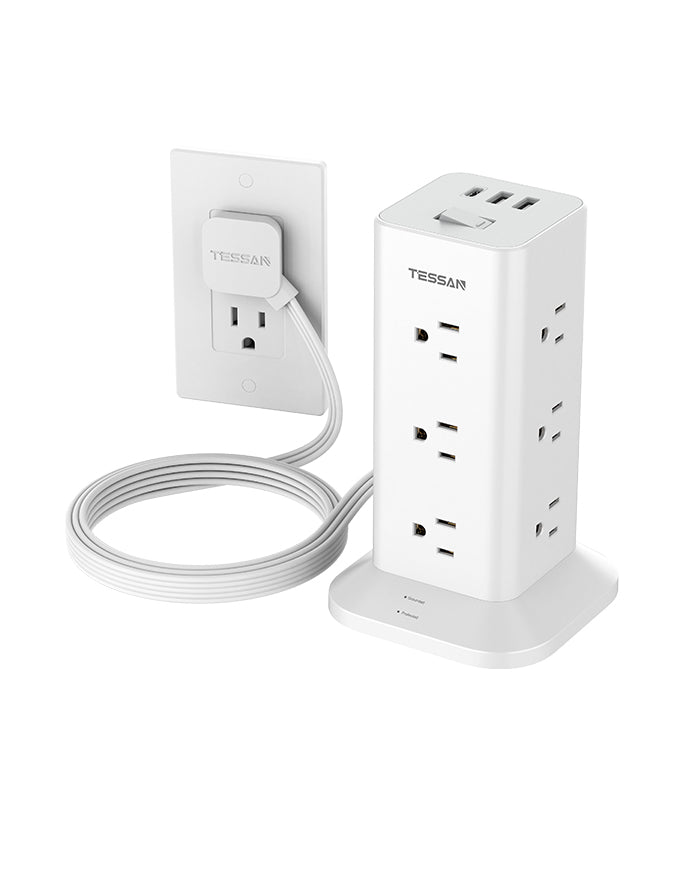
TESSAN Flat Plug Tower Strip TPS04
- Ultra Thin Flat Extension Cord
- Surge Protection 900J
- 12 AC Outlets & 3 USB Ports
- 4-side Compact Design
The Dangerous Mistakes People Make
1. Daisy-Chaining (The #1 Fire Hazard)
Plugging one power strip into another creates a series connection that exceeds the first unit's rated capacity. The internal wiring overheats, melts the casing, and ignites surrounding materials.
The math: First strip rated for 15A. Second strip draws 12A. Seems safe, right? Wrong. The 12A flows through the first strip's internal wiring, which also powers its own 8A of devices. Total load: 20A through a 15A-rated strip.
Absolute rule: One surge protector per wall outlet. No exceptions. If you need more outlets, hire an electrician to install additional wall receptacles.
2. Plugging in Space Heaters and Kitchen Appliances
High-wattage resistive loads (1,500W space heaters, 1,200W microwaves, 1,800W hair dryers) should plug directly into wall outlets, never through surge protectors or power strips.
Why: These devices draw 12-15A continuously. Surge protectors use 14-16AWG internal wiring with multiple connection points (each adding resistance). The cumulative resistance generates heat. Wall outlets use 12AWG wiring with direct connections—designed for sustained high current.
Exception: Surge protectors explicitly rated for 15A continuous load with 12AWG wiring and thermal monitoring. These cost $60-100 and are clearly labeled for appliance use.
3. Ignoring the 80% Rule
Even quality surge protectors shouldn't run at full capacity continuously. Heat degrades MOVs and shortens lifespan.
Calculation example:
- Surge protector rated: 15A × 120V = 1,800W maximum
- Safe continuous load: 1,800W × 0.8 = 1,440W
- Your devices: Laptop (65W) + two monitors (80W) + desktop PC (350W) + speakers (25W) + phone charger (20W) + desk lamp (60W) = 600W
- Headroom remaining: 1,440W - 600W = 840W ✓ Safe
Warning sign: If the surge protector feels warm to the touch during normal use, you're exceeding safe capacity. Unplug devices or distribute load across multiple wall circuits.
4. Using Outdoor Power Strips Indoors (And Vice Versa)
Outdoor-rated units use weather-resistant materials and sealed outlets that trap heat indoors. Indoor units lack moisture protection and fail rapidly when exposed to humidity.
Proper selection:
- Indoor: Standard ABS plastic, ventilated design
- Outdoor: IP44+ rating, hinged outlet covers, GFCI protection
- Garage/basement: Outdoor-rated (moisture + temperature swings)
Scenario-Based Recommendations
| Use Case | Recommended Specs | Est. Cost | Devices to Protect | Key Notes | Replacement |
|---|---|---|---|---|---|
| Home Office |
|
$35-50 | Laptop, monitor, USB hub, desk lamp, phone charger, router | Don't plug UPS into surge protector (ground loops). Skip laser printers (15A startup surge) | 3-4 years |
| Gaming Setup |
|
$60-90 | Gaming PC, 2-3 monitors, console, speakers/headphone amp, RGB controller, streaming gear | High-end GPUs (RTX 4090, RX 7900 XTX) draw 400-500W. Ensure 15A continuous support with headroom | 3 years |
| Entertainment Center |
|
$50-75 | TV, streaming box, game console, soundbar/receiver, cable box, Blu-ray player | Don't plug Class D subwoofers with video equipment (electrical noise). Use separate strips on different circuits | 4-5 years |
| Budget/Bedroom |
|
$20-30 | Laptop, phone charger, bedside lamp, alarm clock, tablet | Lower specs acceptable—bedroom electronics have lower replacement costs and aren't mission-critical | 4-5 years |
| Professional Workstation |
|
$100-150 | Workstation, NAS, audio interface, studio monitors, MIDI controllers, external drives | Critical: Pair with line-interactive/online UPS (1500VA min). Layering: Wall → Surge protector → UPS → Equipment | 2-3 years |
Maintenance and Replacement
Surge protectors don't last forever. MOVs degrade with each surge event, even small ones you don't notice.

Replacement triggers:
Indicator light shows "not protected": Immediate replacement. The MOV has failed and you have zero protection.
Age-based replacement (even if light shows "protected"):
- Heavy use (gaming rigs, workstations running 12+ hours daily): 2-3 years
- Moderate use (home office, entertainment center): 3-4 years
- Light use (bedroom electronics): 4-5 years
- 24/7 operation (servers, network equipment): 2 years
After major surge events: If you experience a nearby lightning strike or power outage with visible flickering, replace all surge protectors. The MOVs absorbed energy and are partially degraded even if the indicator light still shows "protected."
Physical damage: Cracks in casing, burn marks, melted plastic, or loose outlets = immediate replacement and inspection of connected devices.
Testing method: Most surge protectors don't have a way to test remaining capacity. The indicator light only shows catastrophic failure, not gradual degradation. This is why age-based replacement is critical.
Surge protection is boring insurance that pays off during the 0.1% of time when it matters. The cost difference between adequate protection and excellent protection is
30−50. Given that a single mother board replacement costs $200-400, cheaping out makes no sense.
Buy once based on joule rating and clamping voltage. Install properly with grounding. Replace every 3-5 years.
The best surge protector is the one protecting your equipment right now—not the one you're planning to buy after the next thunderstorm.