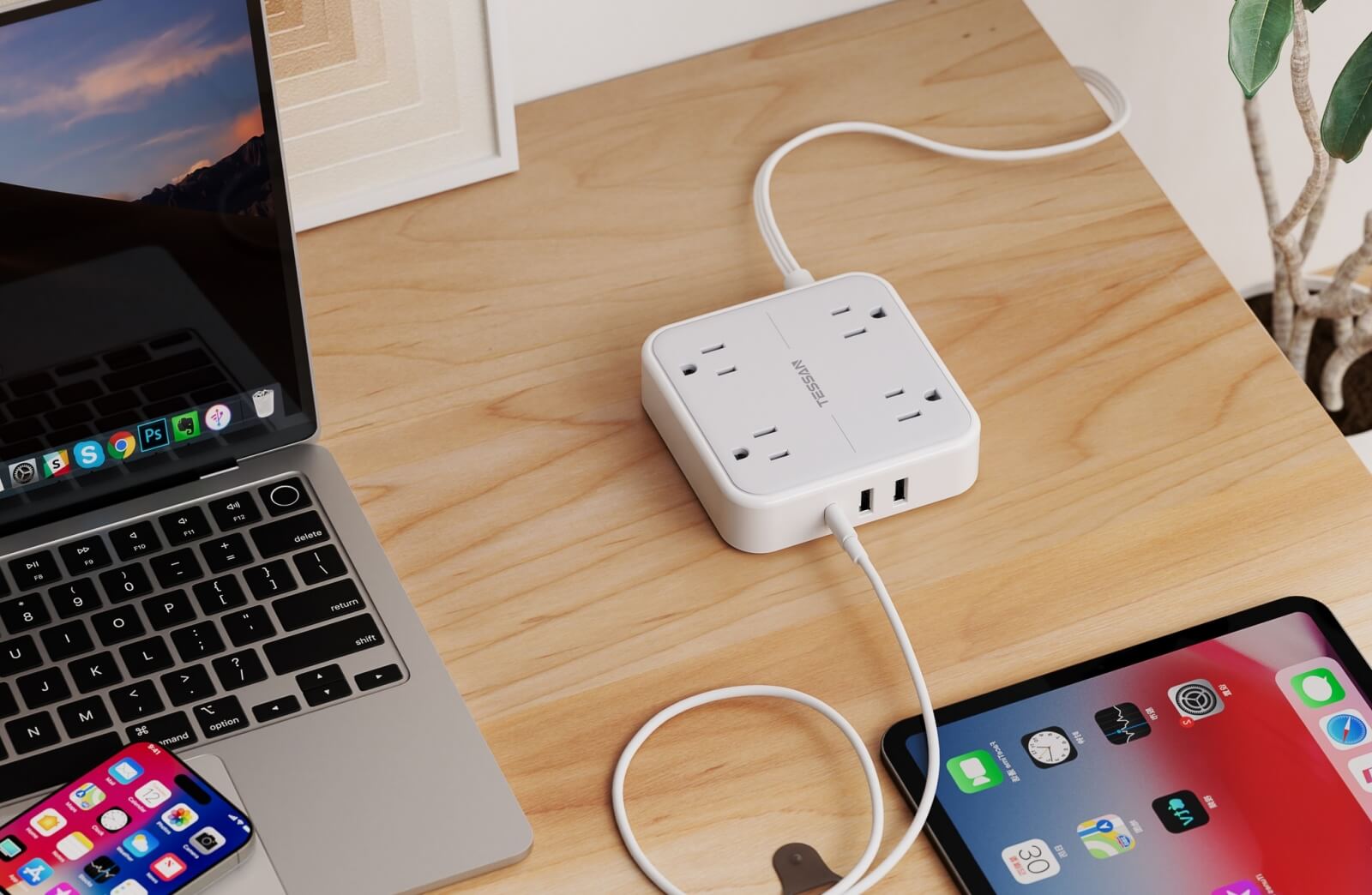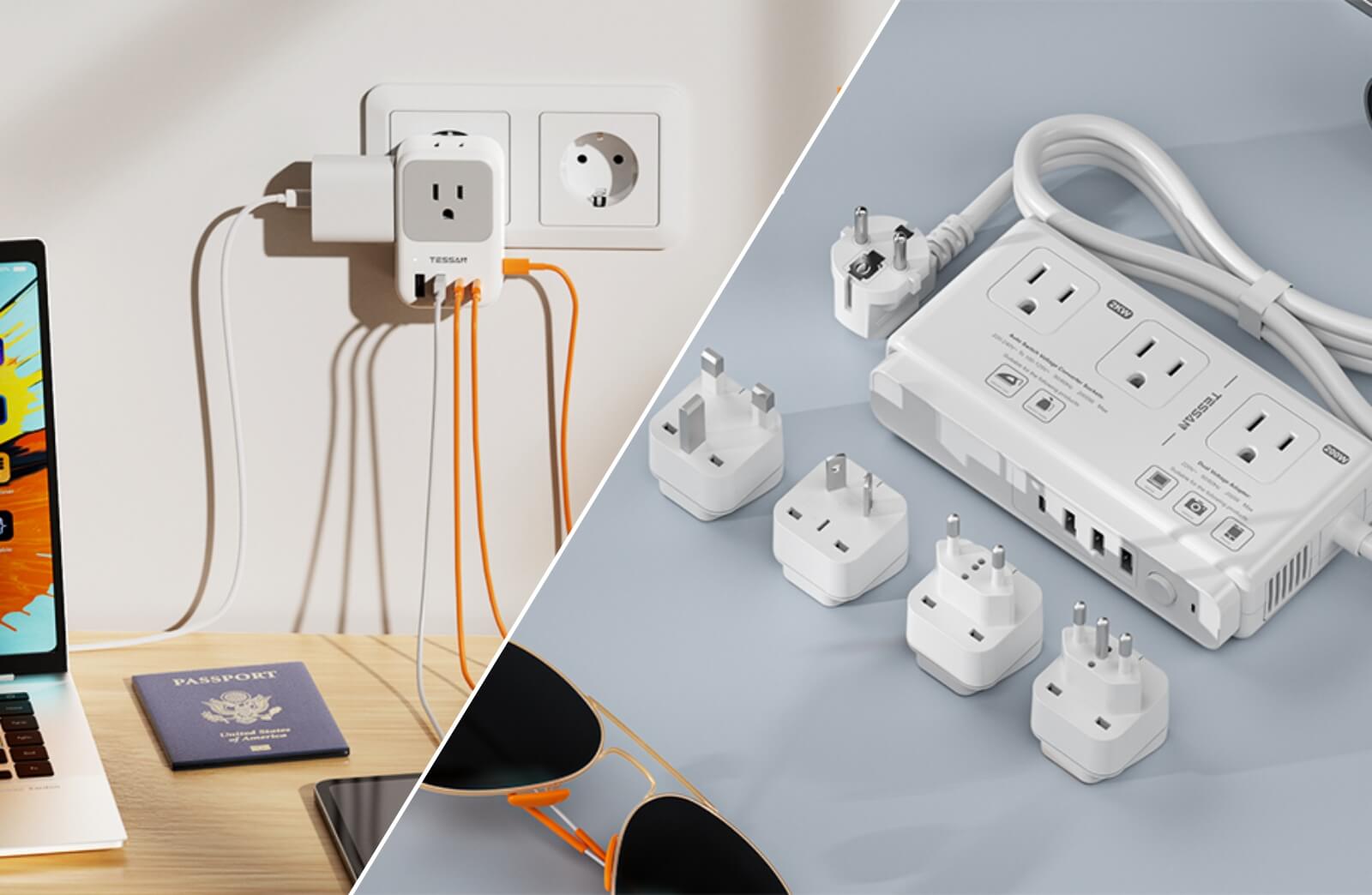

TL;DR: Charging towers are vertical power strips designed to power multiple devices while saving desk space. They combine AC outlets and USB ports in one compact unit—ideal for home offices and multi-device setups.
Look for models with 65W USB-C PD for laptop charging and surge protection (up to 2500J) to safeguard electronics. Compared to traditional horizontal strips, charging towers improve cable organization and reduce clutter.
Key tips:
- Leave about 2 inches of space around the tower for proper heat dissipation
- Ensure your circuit can handle multiple high-power devices
- Choose UL-certified models with 1.5+ inch outlet spacing
- Replace every 3–5 years, as surge protection performance declines over time
TESSAN charging towers feature a weighted base for stability, a 10-ft cord for flexible placement, and optimized thermal design to support reliable high-wattage charging.

A charging tower is a vertical power distribution hub that consolidates multiple AC outlets and USB charging ports into a compact, stackable column. Unlike traditional horizontal power strips that occupy significant desk or counter space, towers utilize vertical space to deliver equivalent or greater charging capacity within a smaller footprint.
Spatial comparison:
- Traditional 6-outlet power strip: approximately 12" × 3" horizontal footprint
- Typical charging tower: approximately 6" × 6" base footprint with vertical stacking
The functional advantage lies not in total space consumed, but in the liberation of horizontal work surfaces.
Standard charging tower components:
- 8–12 AC outlets distributed across multiple tiers
- 4–6 USB ports (combination of USB-A and USB-C)
- Integrated surge protection (typically 1000–2000+ joules)
- Extended power cord (6–10 feet)
- Cable management features
The inclusion of high-wattage USB-C Power Delivery ports has become particularly significant, as many towers now support 45W–65W output sufficient to charge laptops directly, eliminating the need for separate AC adapters.
Why Charging Towers Gained Prominence in 2026
Several technological and behavioral shifts have accelerated adoption:

Universal USB-C Standardization
The European Union's common charging mandate reached full implementation, prompting global manufacturers to standardize on USB-C across phones, tablets, and laptops. This convergence enables unified charging infrastructure. Towers equipped with 65W USB-C PD ports can now power devices ranging from smartphones to professional laptops through a single connection type.
Permanent Hybrid Work Infrastructure
Remote and hybrid work models have transitioned from temporary arrangements to permanent infrastructure requirements. Home offices now routinely supp
ort multiple monitors, external peripherals, task lighting, and personal devices simultaneously. Traditional power strips quickly become capacity bottlenecks when a single workstation requires 8–10 concurrent power connections.
Professional Workspace Aesthetics
Video conferencing has elevated the importance of visual workspace presentation. Cable management is no longer purely functional—it directly impacts professional perception. Charging towers with integrated cable routing systems provide a cleaner visual profile than sprawling horizontal power strips with exposed cables.
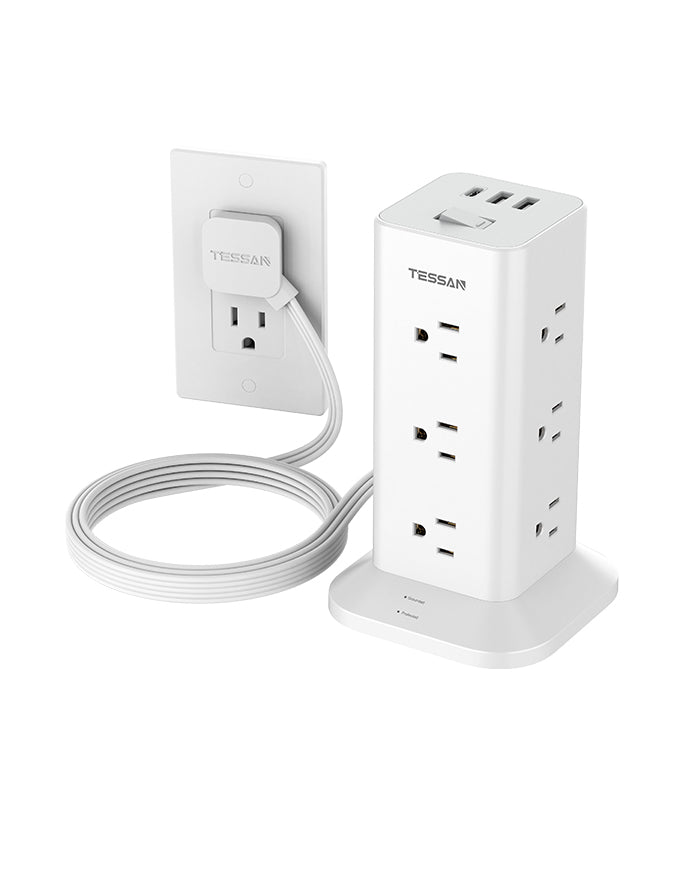
TESSAN Flat Plug Tower Strip TPS04
- Flat Extension Cord
- Built-in multiple safety protection
- 15 in 1 for Multiple Devices
- Overload Protection Switch
Primary Use Cases
Charging towers excel in three high-demand scenarios where multiple devices compete for limited space and outlets:
| Location | Typical Devices | Tower Benefits | Recommended Specs |
|---|---|---|---|
| Shared Family Charging Stations (Kitchen counters, entryways) | 4–6 smartphones, tablets, smartwatches | Consolidates family devices in one vertical zone; keeps countertops clear for cooking/tasks | 6+ AC outlets, 3+ USB ports, compact base (<6" diameter) |
| Bedroom Nightstands | Smartphones, smartwatches, e-readers, white noise machines, alarm clocks | Eliminates extension cords; all devices within arm's reach; organized overnight charging | 3–4 AC outlets, 2+ USB ports, weighted base for stability |
| High-Density Workstations (Gaming rigs, content creation, multi-monitor setups) | PCs, monitors, routers, LED strips, audio gear, charging docks (6+ devices) | Vertical stacking makes every outlet visible and accessible without reaching behind desks | 8+ AC outlets, 65W USB-C PD, 1.5"+ outlet spacing, surge protection 2000J+ |
Quick Selection Guide:
- Family/Kitchen: Prioritize USB port quantity (4+) and compact footprint
- Bedroom: Focus on quiet operation (no cooling fans) and low-profile design
- Workstation: Require wide outlet spacing, high surge protection, and USB-C PD for laptops
This table-based format allows users to quickly match their scenario to specifications, while search engines and AI can easily parse structured device counts, locations, and technical requirements.

TESSAN Tower Power Strip TPS02
- Flat Plug Extension Cord
- Built-in multiple safety protection
- 14 in 1 for Multiple Devices
- 1050J Surge Protector
Technical Selection Criteria
Quick Reference Table:
| Specification | Minimum | Recommended | Why It Matters |
|---|---|---|---|
| Power Capacity | 1875W (15A) | 1875W+ | Prevents circuit breaker trips under full load |
| Surge Protection | 1000J | 2000J+ | Higher rating = longer lifespan + better spike defense |
| USB-C PD Output | 20W (phones/tablets) | 45W (Chromebooks)<br>65W (laptops) | Verify PD protocol support; standard USB-C = only 5–15W |
| Outlet Spacing | 1.5 inches | 1.5–2 inches | Prevents bulky adapters from blocking adjacent sockets |
| Power Cord Length | 6 feet | 10 feet | Flexible placement away from wall outlets |
| Safety Certification | UL or ETL (mandatory) | UL/ETL + overcurrent protection | Uncertified = fire/shock hazard |
*One-Sentence Checklist:
Look for certified (UL/ETL), clear power rating, surge protection, USB-C PD (if charging laptops), 1.5"+ outlet spacing, and a 3-foot+ power cord for maximum flexibility.
Stability Considerations
Vertical towers have a higher center of gravity than horizontal strips. In households with young children or pets, tipping presents a potential hazard. Mitigation strategies include:
- Selecting models with weighted or wide bases
- Using towers with rubberized non-slip bottoms
- Applying adhesive mounting pads to secure the tower to the desk surface
- Positioning towers away from edges
This is a design trade-off inherent to vertical architecture, not a flaw, but it requires deliberate placement planning.

TESSAN Vertical GaN Desktop Power Hub
- Vertical Design & Space Saving
- Built-in GaN Chip
- 65W USB C Fast Charger
- 6 USB Ports & 3 Outlets
TESSAN Charging Tower Solutions
TESSAN charging towers are engineered to address the spatial and power distribution challenges of modern multi-device environments. Our product line features:
- High-capacity surge protection (up to 2500 joules)
- USB-C PD ports for laptop charging
- Optimal outlet spacing (1.5+ inches) to accommodate large adapters
- Certified safety standards across all models
- Long extended power cords for flexible placement
- Weighted base designs for enhanced stability
Our engineering team prioritizes thermal management, ensuring that high-wattage USB-C charging does not compromise device longevity or safety. Each tower undergoes rigorous testing for sustained load performance and electrical fault protection.
Installation and Placement Best Practices

Ventilation Requirements
Charging towers generate heat during operation, particularly when multiple USB ports deliver high wattage simultaneously. Maintain minimum 2-inch clearance on all sides to ensure adequate airflow. Avoid enclosing towers in cabinets or tight spaces without ventilation.
Circuit Load Management
Standard residential circuits provide 15–20 amps. When connecting high-draw devices (space heaters, hair dryers, microwaves), verify that the combined load does not exceed circuit capacity. Charging towers themselves do not increase circuit load—they distribute existing capacity more efficiently.
Grounding Verification
Surge protection requires proper grounding. Test wall outlets with a circuit tester to confirm correct wiring before connecting sensitive electronics. Ungrounded outlets compromise surge protection effectiveness.
Maintenance and Lifespan

Surge Protection Degradation
Surge protectors absorb voltage spikes through metal oxide varistors (MOVs), which degrade with each event. Replace towers every 3–5 years, or immediately after major electrical storms. Some models include indicator lights that signal when surge protection has failed.
Port Wear
USB ports experience mechanical wear from repeated insertion cycles. Rated lifespan typically ranges from 5,000–10,000 cycles. Avoid forcing connectors or using excessive insertion force to maximize port longevity.
Cleaning Protocols
Dust accumulation in outlets and USB ports can create electrical resistance and fire hazards. Unplug towers quarterly and use compressed air to clear debris. Never clean with liquid cleaners while connected to power.

Charging towers represent a functional evolution in power distribution, directly addressing the spatial constraints and device density of contemporary living and working environments. Their vertical architecture, combined with integrated USB charging and surge protection, provides measurable advantages over traditional horizontal power strips in specific use cases.
Selection should be driven by technical specifications—power capacity, surge protection rating, USB-C PD output, and safety certifications—rather than aesthetic considerations alone. Proper placement, circuit load awareness, and periodic maintenance ensure optimal performance and safety throughout the product lifespan.
TESSAN remains committed to delivering charging infrastructure that meets the demands of multi-device households and workspaces through engineering-focused design and rigorous safety standards.